Children's Day, celebrated on June 1, is a special occasion filled with laughter, family events, and a joyful atmosphere. For bloggers, brands, and businesses, it's the perfect moment to host a giveaway on Instagram that engages family audiences, highlights your social responsibility, and boosts reach. How can you organize a creative and transparent contest for Children's Day that will be memorable? In this article, we'll share a step-by-step plan and show how the SOM service can help make your giveaway fair, fast, and effective. Ready to bring joy to children? Let's get started!
Why a Children's Day Giveaway is a Great Idea
Children's Day is not just a celebration for kids; it's also an opportunity for brands and bloggers to create positive content that resonates with family audiences. In 2026, Instagram remains a key platform for marketing, and giveaways for this holiday have several advantages:
- Emotional Connection: Thematic contests evoke warm feelings and are associated with caring for children.
- High Engagement: According to Meta data from 2025, posts with contests receive 60% more interactions (likes, comments, shares) than regular content.
- Social Significance: Giveaways with a charitable aspect or children's prizes emphasize your responsibility and support for family values.
Organizing a giveaway can be complicated: you need to gather comments, verify conditions, and choose a winner transparently. The SOM service automates this process, making it safe and convenient. Let's break down how to create the perfect Children's Day giveaway!
Step-by-Step Plan for Organizing a Giveaway
Step 1: Define Your Goal and Children's Prize
The first step is to clearly understand what you want to achieve with the giveaway. For example:
- Increase the number of followers among family audiences.
- Boost engagement (comments, likes, shares).
- Promote children's products or a charitable initiative.
The prize should be related to the holiday theme and appealing to children or their parents. Here are some ideas:
- Children's Toys: Creative kits, building blocks, plush toys.
- Books: Children's stories or educational publications.
- Gift Certificate: For a visit to an amusement park, a workshop, or a toy store.
- Charity Prize: A donation to a children's fund in the winner's name.
Tip: The prize doesn't have to be expensive. For example, a small business could give away a drawing set or a ticket to a children's show. The main thing is to emphasize joy and care for children.
Step 2: Formulate Simple and Fun Conditions
The conditions of the giveaway should be clear and motivate participation. Typical requirements include:
- Follow your Instagram account.
- Like the giveaway post.
- Leave a comment (e.g., tag a friend or share your favorite childhood game).
- Repost in stories with the hashtag #ChildrenDayGiveaway (optional).
Example Conditions:
1️⃣ Follow our account.
2️⃣ Like this post.
3️⃣ Tag a friend in the comments and share your favorite childhood game.
4️⃣ Repost in stories with #ChildrenDayGiveaway for an extra chance!
Important: Avoid complicated conditions to not scare off participants. In 2025, Instagram promotes organic activity, so simplicity and creativity are key to success.
Specify:
- The end date of the giveaway (e.g., June 1 at 23:59).
- How and when you will announce the winner.
- The geographical area of participants (e.g., “for residents of Ukraine only”).
Step 3: Create a Joyful Post
The post is the heart of your giveaway. To attract attention:
- Use Bright Visuals: Photos of the prize with balloons, Reels featuring children's smiles, or graphics in rainbow colors.
- Write Emotional Text: The call to action should be warm, e.g., “Bring joy to a child this Children's Day!”
- Add Hashtags: #ChildrenDay, #GiveawayUkraine, #Kids2025, #SOM — these will expand your reach.
Example Post Text:
🎈 Children's Day Giveaway! 🧸
Win a creative kit for your little one!
Conditions:
1️⃣ Follow our account.
2️⃣ Like this post.
3️⃣ Tag a friend in the comments and share your favorite childhood game.
📅 We will announce the winner on June 1, 2025.
A fair giveaway with SOM! 💙💛
#ChildrenDay #Giveaway #Ukraine
Step 4: Use SOM for Transparent Winner Selection
To make the giveaway quick and fair, use the SOM service. Here's how it works:
- Register:
- Go to it-som.net and create an account.
- Connect your professional Instagram account (business or creator) through the official Meta API. This is secure, as SOM does not store passwords.
- Select the Post:
- In the SOM dashboard, choose the post or Reels with the giveaway.
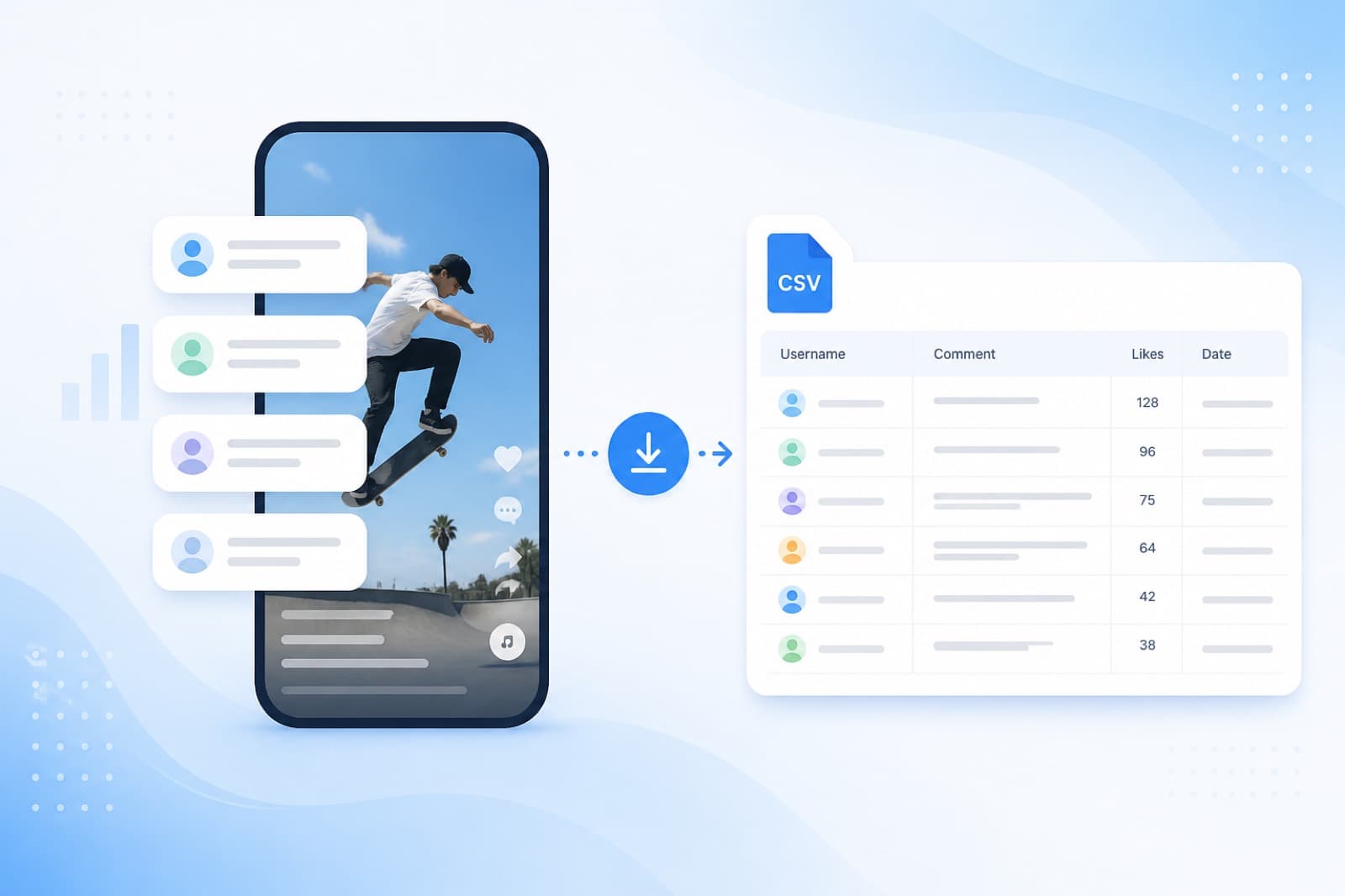
- The service will automatically gather all comments.
- Set Up the Giveaway:
- Specify the number of winners (one or more).
- Enable the option to record a video or create a transparency certificate.
- Select the Winner:
- Click “Select Winner,” and the SOM randomizer will randomly choose a winner from the comments.
- Download the report with results in CSV or Excel format.
Why SOM?
- Free Testing: Run a giveaway for free for posts with up to 10 comments.
- Transparency: Videos and transparency certificates prove the fairness of the selection.
- Localization: Interface in Ukrainian, support for local payment systems.
- Security: The official Meta API protects your account from being blocked.
Step 5: Verify Compliance with Conditions
Before announcing the winner, ensure they have met all conditions (follow, like, comment). SOM allows you to export the list of comments, simplifying verification. If the winner does not meet the conditions, repeat the selection using the randomizer.
Step 6: Announce the Winner
Announce the winner on Instagram to maintain audience trust:
- Post or story with the winner's name.
- Add a screenshot of the transparency certificate from SOM or a short video of the selection.
- Contact the winner via Direct and arrange for prize delivery.
Tip: Ask the winner to share a photo with the prize (e.g., a child with the toy) in stories, tagging your account. This will increase trust in future giveaways.
Step 7: Analyze the Results
After the giveaway, evaluate its effectiveness:
- How many new followers from family audiences did you gain?
- What was the reach of the post?
- Did audience engagement increase?
SOM provides comment statistics that can be used for analysis. This data will help improve future giveaways.
Content Ideas for Children's Day
To make your giveaway go viral, create content that conveys joy and care:
- Child-Themed Reels: Videos of children drawing, playing, or laughing, showcasing the prize. Use cheerful music or children's songs.
- Comment Flashmob: Ask participants to share their favorite childhood games or memories.
- Interactive Stories: Create polls like “What’s your favorite children's book?” or “What would you gift a child?”
- Charitable Focus: If the giveaway has a charitable element (e.g., donation to a children's fund), emphasize this in the post for greater resonance.
Example Reels:
- Video of children coloring with the creative kit (the prize) with balloons in the background.
- Text on screen: “Win a gift for a child this Children's Day! Follow and tag a friend!”
- Music: cheerful children's melody or trending track.
Tips for a Successful Giveaway
- Follow Instagram Rules: Avoid manipulations (bots, fake accounts), as Meta has tightened checks in 2025. SOM uses the official API, reducing risks.
- Be Creative: Ask participants to share childhood stories or create stories with your hashtag.
- Use Reels: Child-themed videos receive more reach due to Instagram's algorithms.
- Plan Ahead: Launch the giveaway 7–10 days before June 1 to attract the maximum number of participants.
- Ensure Transparency: Certificates and videos from SOM help avoid accusations of fraud.
Why SOM is the Perfect Choice for Giveaways?
SOM is a professional randomizer designed to simplify giveaways on Instagram. Its advantages include:
- Localization: Interface in English, support for local payment systems.
- Security: The official Meta API protects your account.
- Transparency: Videos and transparency certificates enhance trust.
- Accessibility: Free testing for small giveaways.
- Support for Local Developers: Using SOM supports local developers.
Try SOM for free and bring joy to children with a fair giveaway!
Common Mistakes and How to Avoid Them
- Unclear Conditions: Participants may get confused if the rules are complicated. Write clearly and concisely.
- Lack of Transparency: Without proof of fairness (videos or certificates), the audience may doubt the legitimacy. SOM solves this issue.
- Manipulating Participants: Using bots can lead to account suspension. Manually check comments or use SOM reports.
- Delay in Announcement: Stick to the promised timeline to avoid disappointing participants.
Ready to Celebrate Children's Day with a Giveaway?
Organizing a Children's Day giveaway is a great way to engage family audiences, create a positive atmosphere, and promote your brand on Instagram. With the SOM service, you can make the contest quick, transparent, and safe. Create joyful content, use child-themed Reels, and trust SOM to select the winner, ensuring your giveaway goes viral and brings many smiles!
Are you ready to celebrate Children's Day with a giveaway? Register at SOM and get started today! 💙💛