
Guide
How to pick a giveaway winner on Instagram, TikTok, Facebook, YouTube, and Threads
From sign-up to transparency certificate — without counting comments by hand.
Step by step
Five steps to a fair result
SOM automates the giveaway — you control rules and filters
Create an account or sign in
Sign in with Google or email. It takes under a minute — then you can run your first giveaway.
Add your post link
Copy your contest post URL from Instagram, TikTok, YouTube, Threads, or Facebook and paste it into SOM. Comments load automatically.
Set winners and filters
Choose how many winners you need and enable filters: duplicates and keywords. For entrant trust, publish contest rules with a public link — the Contest rules tool in the SOM web app.
Get the result
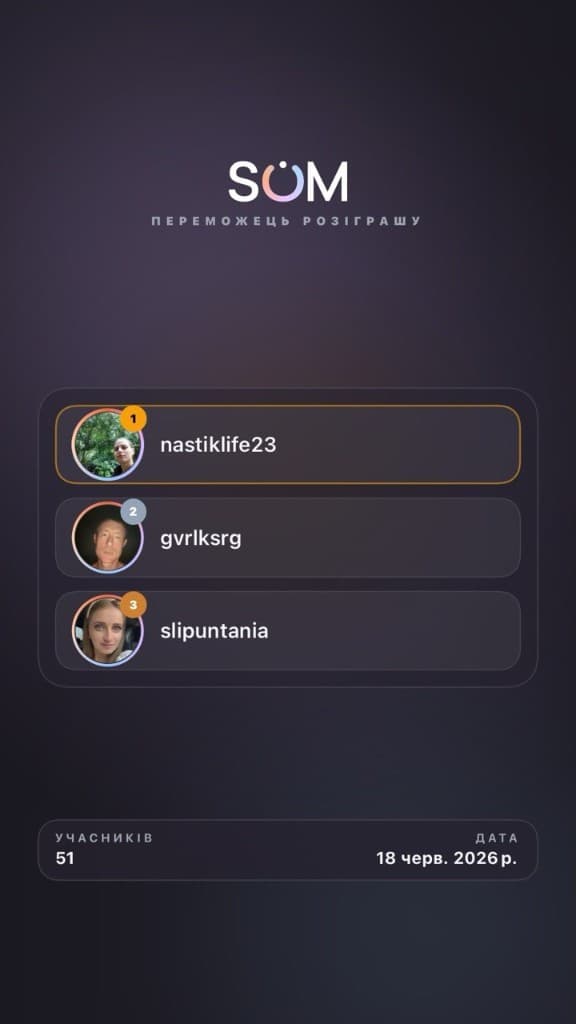
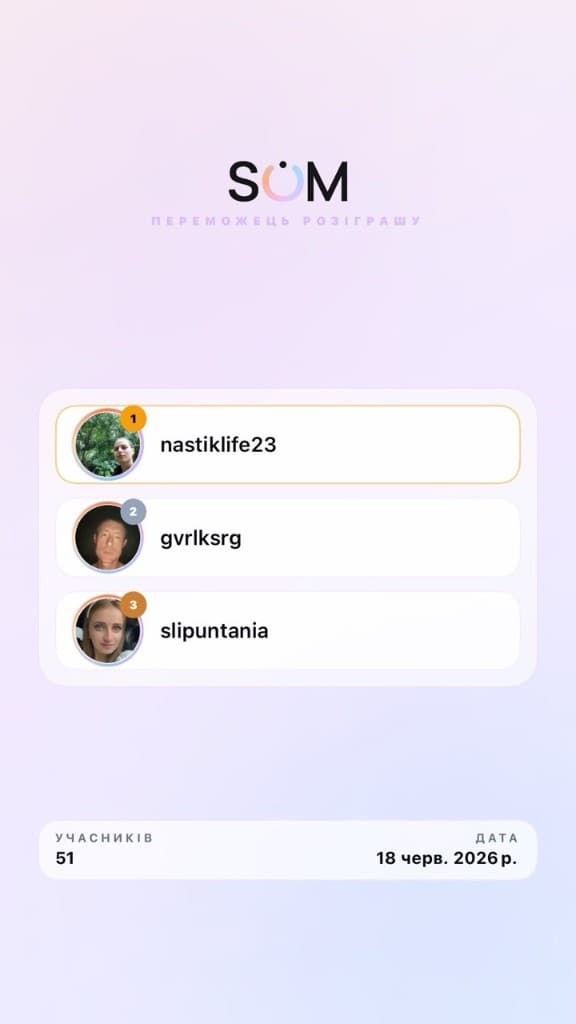
SOM picks winners at random. You get a list, a Stories animation, and a transparency certificate. Before a campaign, you can quickly check a public Instagram Engagement rate — no Instagram login.
Export and finish
Review winner profiles, download the list, and close the giveaway in your account.
Multi-giveaway
Run a giveaway across several social networks at once
Combine comments from Instagram, TikTok, Facebook, YouTube, and Threads — one fair pool and a single result.
Sign in and add links from each network
After signing in, choose multi-giveaway mode and paste post links from Instagram, TikTok, Facebook, YouTube, or Threads. SOM detects each platform and loads comments.
Set rules and filters
Choose the number of winners, enable advanced filters, and preview each post. All participants from every network join one fair pool.
Get one unified result
SOM picks winners randomly, builds your announcement list, and prepares a Stories animation and transparency certificate — for several networks at once.
- Reach audiences on Instagram, TikTok, Facebook, YouTube, and Threads without manual merging
- One participant pool — fewer disputes from followers
- Built for mega-giveaways by brands, creators, and agencies
Multi-giveaway is a paid feature from the Mini plan. One link = one attempt from your package; you can pick a winner per connected network.
Videos
How to pick a winner
Reviews
What our clients say
4.8 · 2,891 reviews on Google
4.82,891 reviews on Google
Ratings on stores & Google
FAQ
FAQ about running a giveaway
How do I start a giveaway in SOM?
Paste a post link from Instagram, TikTok, Facebook, YouTube, or Threads, set the number of winners, and click Pick winner. SOM collects comments, applies filters, and selects winners randomly. Your first 3 giveaways per day are free.
How do I pick an Instagram giveaway winner?
Paste your giveaway post link into SOM. Comments load from the public link — no Instagram password. Duplicates can be removed, then a winner is picked at random. Some Instagram cases use the official Meta Graph API (business/creator). Share a transparency certificate in Stories if you want. Separate CSV/username export for your IG/FB posts uses Meta Login.
How many free giveaways can I run per day?
Free plan: 3 giveaways per day, up to 100 comments each — full randomizer with duplicate filter and transparency certificate. For more comments or more daily giveaways, choose a paid package.
How are winners actually selected?
After comments load, SOM uses a cryptographically fair random algorithm. You can re-run or pick again if needed. Each result can include a transparency certificate for Stories or your post.
What participant filters does SOM support?
Duplicate filter (one person = one entry; leave duplicates on if multiple comments should mean multiple chances) and keyword/hashtag filter. You can review winners before announcing. There is no filter by number of tagged friends in a comment.
Why does Instagram need a business or creator account?
When comments are loaded via Meta Graph API, Meta only grants access to business or creator accounts — a platform rule, not a password workaround. Many homepage giveaways start from a public post link alone. Meta Login is required for exporting comments (CSV / usernames) from your Instagram and Facebook posts.
Is SOM safe to use for Instagram giveaways?
Yes. SOM never asks for or stores social passwords. Comment giveaways run from a public post link; official Meta Login / Graph API is for Instagram/Facebook export and cases where the platform requires business or creator access; for TikTok — official TikTok API (official TikTok partner) via link or TikTok Login. You control permissions. Every giveaway can include a transparency certificate.
How do I run a social media contest and pick a winner?
1) Publish giveaway rules on Instagram, TikTok, Facebook, YouTube, or Threads. 2) Paste the post link into SOM and set the number of winners. 3) SOM loads comments, applies filters, and picks winners with a fair random algorithm. 4) Announce results and optionally show a Stories animation or transparency certificate.
Ready to pick a winner?
3 giveaways per day free (up to 100 comments).Stories certificate · public results link · comment export
Try for free
A transparent draw your audience can verify