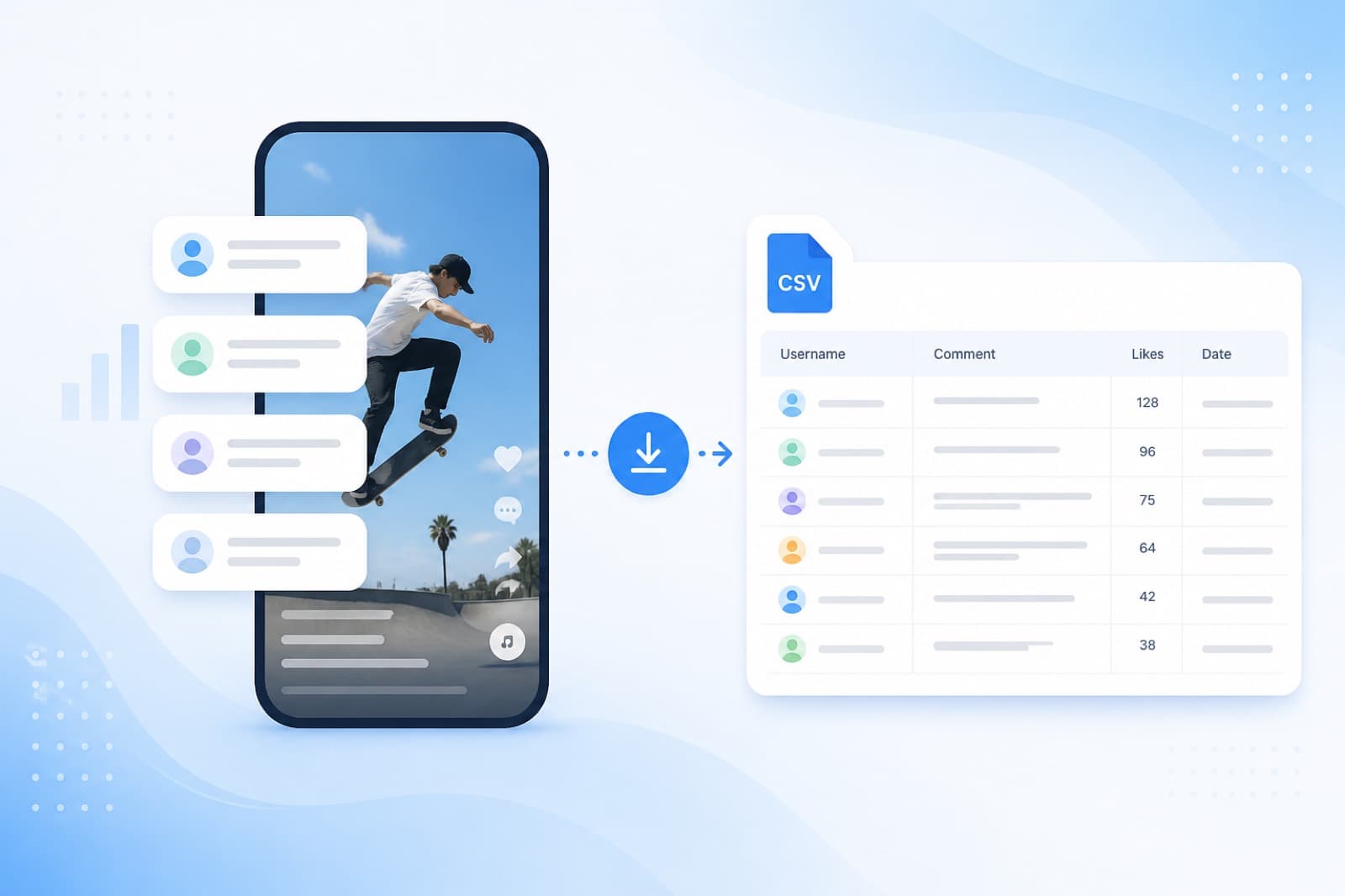
Sometimes you need more than a random TikTok winner — you need a file of comments for an archive, a client report, or your own randomizer. SOM now supports TikTok comment export to CSV or a username list via official TikTok Login / API. SOM is an official TikTok partner.
Below: when to export, how it differs from a giveaway from a public link, and how to finish in a few minutes.
Why export TikTok comments
Common use cases:
- save contest participants to a spreadsheet (Excel / Google Sheets);
- hand a username list to an internal process;
- keep an archive after a brand or agency campaign;
- export first, then pick winners in the list randomizer or inside SOM.
If you only need a fair pick right now, use the TikTok giveaway from a video link. If you need a file or username list, open Export.
Export vs giveaway from a link
| Scenario | What you get | How it starts |
|---|---|---|
| TikTok giveaway | Winner + transparency certificate | Public video link (some cases use official TikTok API) |
| TikTok export | CSV and/or username list | TikTok Login + link to your video |
SOM never asks for or stores account passwords. For export you connect TikTok with official login and control permissions yourself.
How to export TikTok comments in SOM
- Open the comment export page.
- Connect TikTok with official TikTok Login (SOM is an official TikTok partner).
- Paste the link to your public TikTok video.
- Run export: copy usernames in one click or download a CSV with text and date.
- Optionally pick winners in the list randomizer and get a Stories certificate.
Platform conditions are listed on the export page.
Requirements for a successful export
- account and video are public;
- comments under the video are visible;
- the video link is correct and active;
- you can access the video through your connected TikTok account.
Private videos or closed comments cannot be collected — that is a platform rule, not a password workaround.
Instagram and Facebook are on the same page
The same Export page also covers:
- Instagram and Facebook — Meta Login / official Meta Graph API (official Meta partner);
- TikTok — official TikTok Login / API (official TikTok partner).
YouTube and Threads are not in this export mode — use a normal giveaway from a public link for those platforms.
FAQ
Do I need a TikTok password?
No. Export uses official TikTok Login. SOM does not store passwords.
Can I export someone else’s video?
No. You need access to the video through your connected account.
How is this different from the homepage giveaway?
A giveaway loads comments and picks winners immediately. Export gives you a file or username list for later work.
Where do I start?
On the export page. For a contest without a file — the TikTok randomizer.
Summary
TikTok comment export in SOM is the official path: connect TikTok, paste your video link, download CSV or usernames, and optionally run a draw with a certificate. For a fast contest without a file, keep using a giveaway from a public video link.