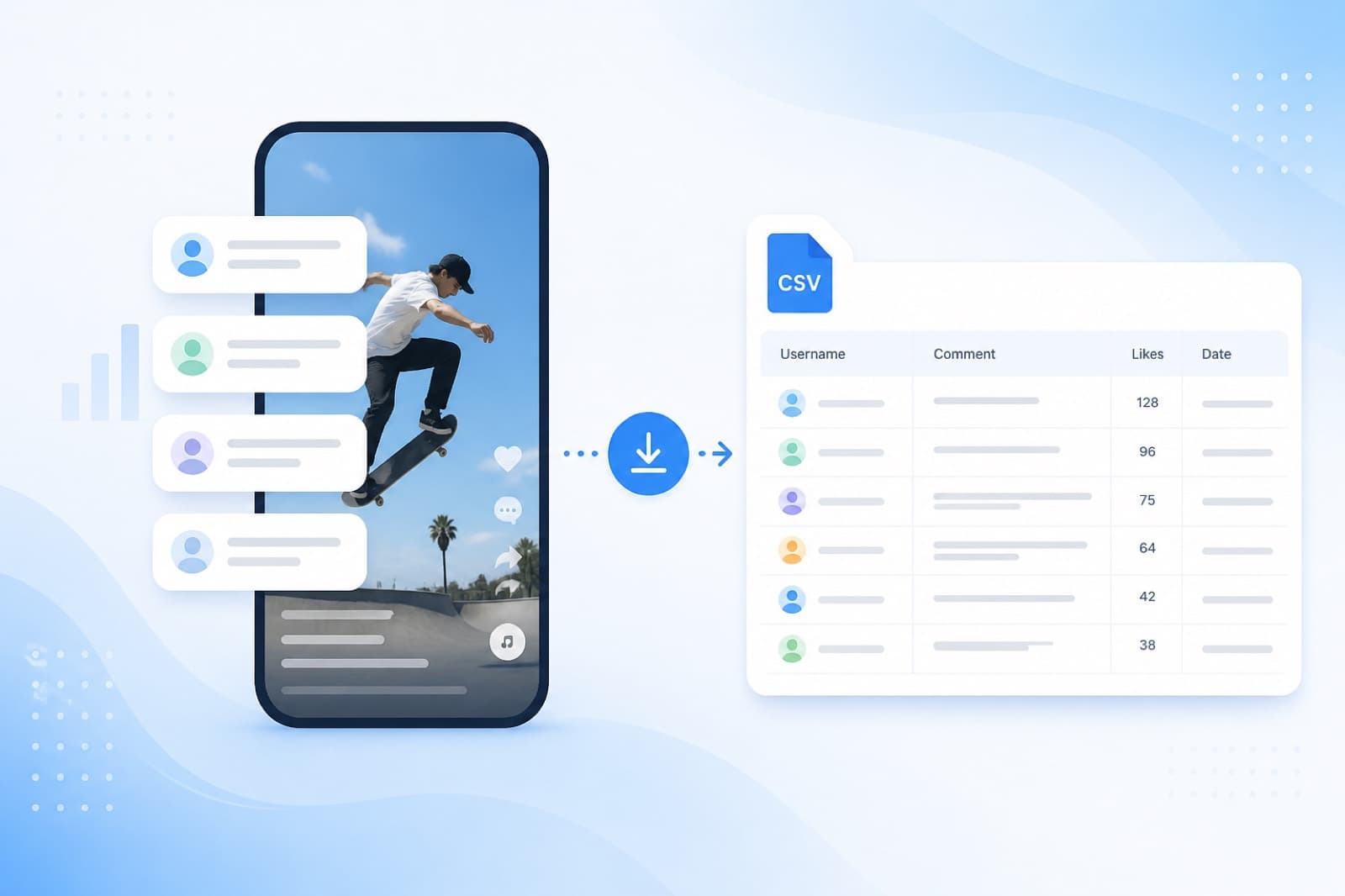
Threads contests are short posts, active comments, and a fast result. The hard part is how to pick a winner on Threads so your audience trusts the draw — without pasting usernames into a spreadsheet.
This guide is Threads-only (not a YouTube combo). Tool: Threads giveaway randomizer in SOM. Need both platforms in one pool? See YouTube + Threads giveaway.
What a Threads giveaway looks like
People comment under your post; you pick one or more winners at random. SOM loads comments from a public post link (threads.net or threads.com), applies filters, and runs a random draw. No account password.
CSV / username export is for Instagram and Facebook via Meta Login on the Export page — not Threads.
Post rules before you start
- Publish clear rules: prize, deadline, number of winners, keyword comment if required.
- Keep the post public — private posts cannot be read.
- Mention in the rules: “winner will be picked with SOM (it-som.net/giveaway/threads/)” to cut disputes.
- Decide early: one comment = one entry (duplicate filter) or multiple comments = multiple chances.
How to pick a Threads winner in SOM
- Open the Threads giveaway page or the SOM homepage.
- Copy the post URL from the browser or Share.
- Paste it, set the number of winners.
- Load comments. Enable duplicate and/or keyword/hashtag filters if needed.
- Click Pick winner. Review the result and optionally share a transparency certificate in Stories or a follow-up post.
Full flow: how SOM works.
Filters: duplicates and keywords
- Duplicates — one person = one entry. Leave them on if multiple comments should mean multiple chances.
- Keywords / hashtags — keep only comments with your phrase (e.g. “enter”).
- There is no tagged-friends-count filter — do not promise it in your rules.
Transparency certificate
After the draw, SOM can issue a certificate — proof for your audience that the pick was random. It is not “100% ban protection” and not a Meta platform guarantee; it is your transparency tool.
Threads + Instagram in one pool
Running the same contest on both? Merge comments with multi-giveaway. One random pick instead of manual spreadsheet merges.
Free limits
Free tier: 3 giveaways per day, up to 100 comments each (shared across platforms, including Threads). No card required. Larger pools need a paid plan.
FAQ
Do I need to log in to Threads?
No. A public post link is enough.
Do threads.net and threads.com both work?
Yes.
How is Threads different from Instagram in SOM?
Both start from a public link. Some Instagram cases also use Meta Graph API; CSV export is separate for IG/FB. Threads runs from the link without Meta Login.
Where do I pick a winner now?
On the Threads page in SOM.
Bottom line
To pick a winner on Threads, publish rules, use a public link, load comments in SOM, apply filters, and run a random draw with a certificate. Faster and clearer than a handwritten list.