How to Choose a Winner on Instagram — Step-by-Step Guide 2026
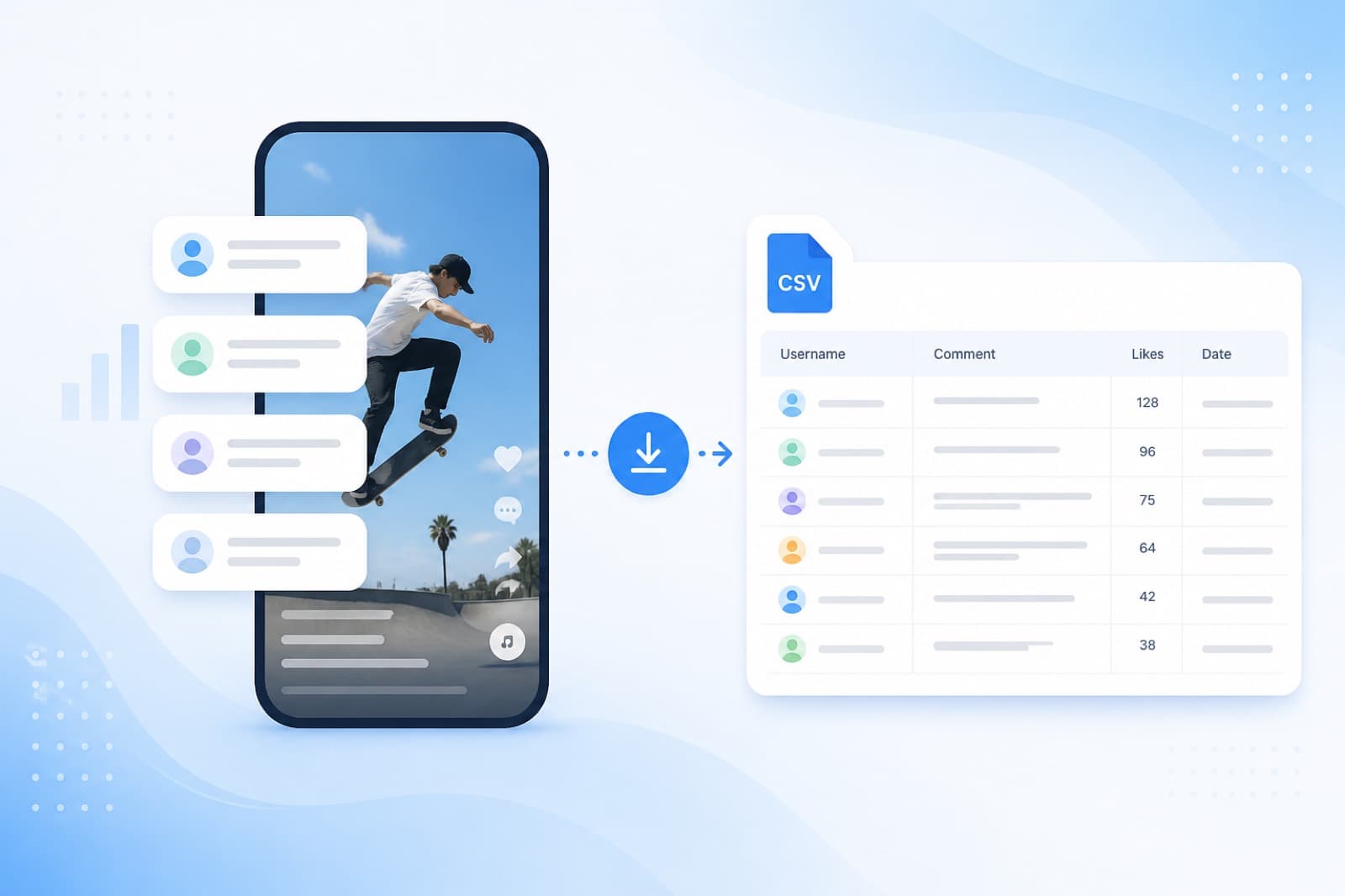
Conducted a giveaway on Instagram and unsure how to fairly select a winner from comments? The SOM service automates this — it uploads all comments, removes duplicates, and selects a random winner in seconds. Free and no registration required.
✅ Works with any Instagram account
✅ Excludes duplicate comments from the same user
✅ You can select multiple winners at once
✅ Results can be saved and shown to followers
Video Instruction
Familiarize yourself with our service through the step-by-step video guide.
Step 1: Registration
Registration
Log in with your Google account or create a profile using your email and password. This takes less than a minute.

Registration in the SOM service for Instagram giveaways
Step 2: Add Post Link
Copy the link to your Instagram post and paste it into the service.
Diving into the Instagram post link in SOM
Step 3: Specify the Number of Winners
Select how many lucky individuals will receive a prize.

Choosing the number of winners in the Instagram giveaway
Step 4: Select Winners
Click “Select Winner” — and we’ll instantly pick a winner.
– If there are many winners (10+), you can press one button to select them all at once.
– If someone hasn’t met the contest conditions, you can quickly replace them with another.
– Up to 10 runs and changes in the number of winners are available for each giveaway.

How to choose a winner from Instagram comments — selection button in SOM
Step 5: View Results
Click “View Results” — you’ll see all winners and can download the list in a convenient format.


Instagram giveaway results — list of winners in SOM
Step 6: Finish the Giveaway
Once all winners are selected, click “Finish Contest” — and you’ll be redirected to your personal account with the giveaway summary.

Finishing the contest and saving the giveaway results in SOM
Frequently Asked Questions
How to select a winner on Instagram for free?
Paste the post link, specify the number of winners, and click “Select Winner.” Results in 30 seconds.
Can I select a winner without registration?
Yes, the basic functionality is available without registration. To save the history of giveaways, you need to create a free account.
Are duplicate comments from the same user counted?
Yes, if you haven’t clicked the “Remove Duplicates” button. SOM automatically excludes duplicates — each participant has equal chances regardless of the number of comments.
How to prove to followers that the giveaway is fair?
After selecting a winner, you can download the results and show them in stories or live streams. The random selection algorithm ensures transparency.
How many winners can be selected at once?
Any number. You can choose one winner or several at once — for example, 1 grand prize and 3 consolation prizes.