How to Pick a Winner on Instagram — Step-by-Step Guide 2026
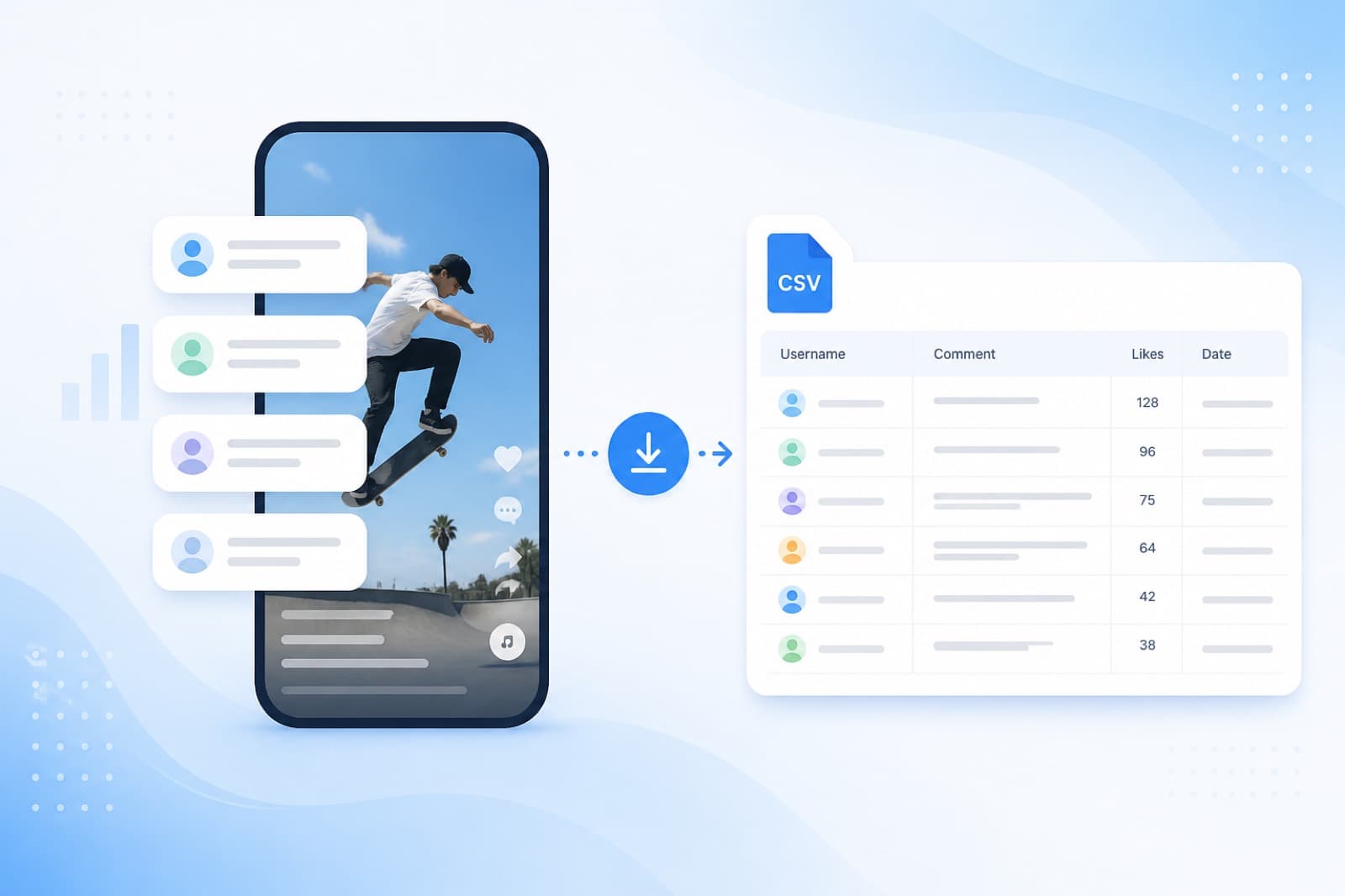
Ran a giveaway on Instagram and not sure how to fairly pick a winner from the comments? SOM does it automatically — loads all comments, removes duplicates and picks a random winner in seconds. Free and no registration required.
✅ Works with any Instagram account
✅ Excludes duplicate comments from the same user
✅ Pick multiple winners at once
✅ Save and share results with your followers
Video Tutorial
Watch our step-by-step video guide to get started with the service.
Step 1: Sign Up
Sign Up
Log in with your Google account or create a profile with your email and password. It takes less than a minute.

Sign up to SOM to run your Instagram giveaway
Step 2: Add a Link to Your Post

Copy the link to your Instagram post and paste it into the service.
Adding an Instagram post link to SOM
Step 3: Set the Number of Winners
Choose how many lucky participants will receive a prize.


Choosing the number of winners for the Instagram giveaway
Step 4: Pick the Winners
Click “Pick a Winner” — and we’ll instantly select a winner from the comments.
– If there are many winners (10+), you can click one button to pick them all at once.
– If someone didn’t follow the giveaway rules, you can quickly replace them with another participant.
– Each giveaway allows up to 10 draws and you can change the number of winners at any time.

How to pick a winner from Instagram comments — the pick button in SOM
Step 5: View the Results
Click “View Results” — you’ll see all the winners and can download the list in a convenient format.


Instagram giveaway results — winners list in SOM
Step 6: Finish the Giveaway
Once all winners are selected, click “Finish Contest” — you’ll be redirected to your dashboard with a full summary of the giveaway.
 Finishing the contest and saving giveaway results in SOM
Frequently Asked Questions
How to pick a winner on Instagram for free?
Paste your post link, set the number of winners and click “Pick a Winner”. Results in 30 seconds.
Can I pick a winner without signing up?
Yes, the basic features are available without registration. To save your giveaway history you’ll need to create a free account.
Are duplicate comments from the same user counted?
Only if you don’t click the Remove Duplicates button. SOM automatically filters duplicates — every participant has an equal chance regardless of how many times they commented.
How do I prove the giveaway was fair?
After picking the winners you can download the results and share them in your Stories or during a live stream. The random selection algorithm guarantees full transparency.
How many winners can I pick at once?
As many as you need. You can pick one winner or several at once — for example, 1 grand prize and 3 runner-up prizes.