
How to Run a TikTok Giveaway: Comment Winner Selection Guide
Running contests on TikTok is more challenging than on Instagram. Why? Because TikTok hides comments. If your video has 500+ comments, the app will only show you a portion. Scrolling through them manually and pointing at a winner is impossible.
Today, we'll explore how to bypass this limitation and conduct a fair giveaway in just 2 minutes using a specialized comment loader.
Tool: For selecting a winner, we'll use the service SOM. It can "extract" all comments via the official API, even if there are thousands. 👉 Open TikTok Randomizer

Step 1. Preparation and Rules (To Avoid Bans)
TikTok's algorithms are very strict about "fake engagement". To prevent your video from being removed and your account from facing shadow bans, follow these rules:
-
Don’t use the word “Giveaway” in the video. TikTok may reduce your reach. Instead, use terms like “Gift”, “Surprise”, or the Ukrainian word “Розіграш”.
-
Simple conditions. The best mechanics for TikTok include:
-
Follow.
-
Comment on a specific topic (e.g., “What’s your favorite color?”). This protects against bots that reply with standard “I’m in”.
-
-
Clear date. Specify in the video and description when the results will be announced.
Step 2. How to Select a Winner (Technical Part)
When the moment arrives, don’t try to count manually.
Instructions:
-
Copy the link to your contest video on TikTok (Arrow -> Link).
-
Go to the website it-som.net.
-
Paste the link and click “Start”.
What Happens Next?
The SOM service will connect to TikTok and download a list of everyone who commented.
-
It will filter out duplicates (if one participant commented 10 times, they will be counted as 1 if you set it up that way).
-
The system will show you the total number of participants.
Step 3. Subscription Check (Important Step!)
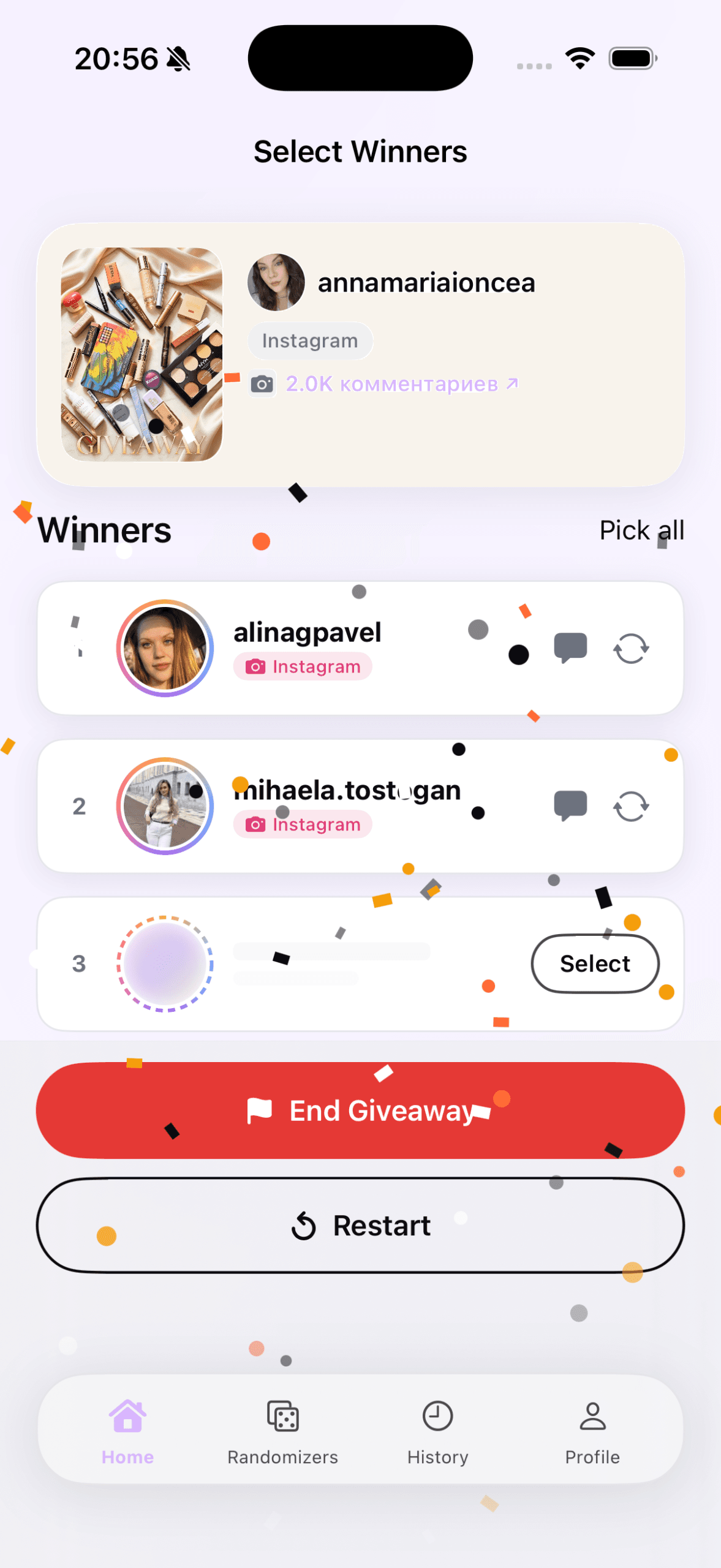
This is where many make a mistake. The randomizer will select a comment at random and show you the winner's username.
But is this person following you? The SOM service (like any other secure service) does not have access to your follower list. This is designed for your account's security, so you don't have to enter your password.
Your actions:
-
See the winner's username on the SOM screen.
-
Click on their username (or find them on TikTok).
-
Check manually: Is this person following you?
-
✅ Yes: Congratulations, you have a winner!
-
❌ No: Return to SOM and click the “Reselect” button.
-
This takes only 10 seconds, but it ensures that the prize goes to a legitimate participant.
Why Not Use Phone Screen Recording?
Some bloggers simply scroll through comments and stop the recording. On TikTok, this is unfair because:
-
The comment feed is not chronological. TikTok shows “interesting” comments first, not all.
-
You physically can’t scroll through 2000 comments to the end.
-
Participants don’t trust this method.
Using a professional service like SOM shows your respect for the audience. You give equal chances to everyone — both those who commented first and those who commented last.
Frequently Asked Questions
Do I need to enter my TikTok password? No! You don’t need a password to download comments. You just paste the link. It’s 100% safe.
How many comments can I download? The SOM service handles any volume, even if you have a million comments.
How do I record the results? We recommend doing a screen recording while using the site. Then, post that video in your Stories or as a new TikTok video as a report.