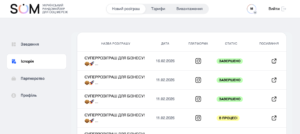
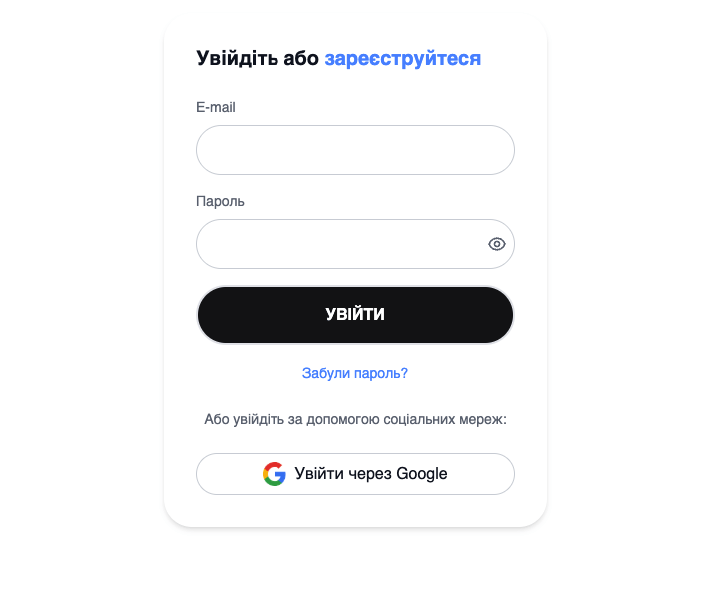
Step 1: Sign Up
Log in with your Google account or create a profile using your email and password.
It takes less than a minute.
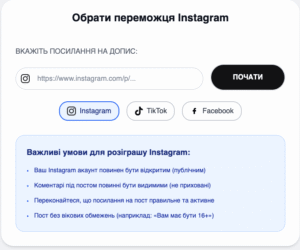
Step 2: Add a Post Link
Copy the link to your Instagram post and paste it into the service.
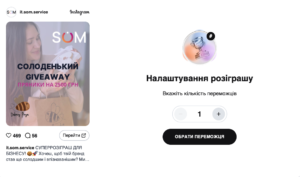
Step 3: Set the Number of Winners
Choose how many lucky participants will receive a prize.
Step 4: Pick the Winners
Click “Select Winner”, and we’ll instantly choose the winner.
– If you need to pick 5+ winners, you can do it with one click.
– If someone didn’t meet the contest rules, you can quickly replace them.
– Each giveaway allows up to 10 selection attempts and adjusting the number of winners anytime.
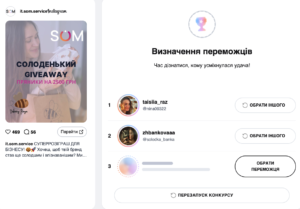
Step 5: View Results
Click “View Results” to see all winners and download the list in a convenient format (CSV or Excel).
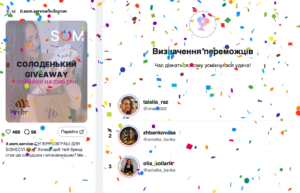

Step 6: Finish the Giveaway
Once all winners are selected, click “Finish Giveaway” — you’ll be redirected to your dashboard with the final results.