
Our service allows you to quickly and easily download comments from any of your Instagram posts. Follow these steps:
(Service is temporarily down)
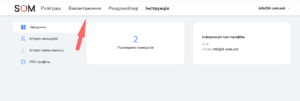
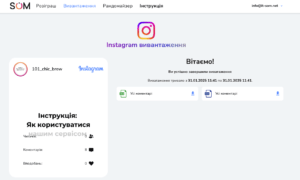
1. Go to the upload page
🔹 Go to the Upload page in the SOM service.
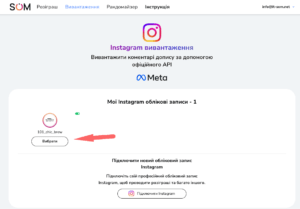
2. Selecting an Instagram account
🔹 Select the desired Instagram account from which you want to upload comments.
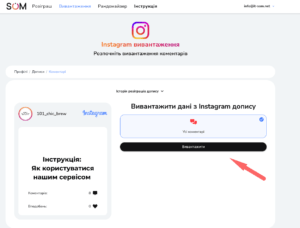
3. Selecting a publication
🔹 Select the desired publication or Reels.

4. Start unloading
🔹 Click the Upload button and the service will start collecting comments.
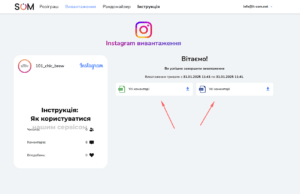
5. Uploading a file
📥 After the upload is complete, you can download the data in Excel or CSV format.
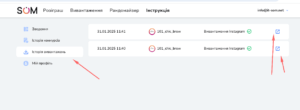
6. View upload history
📂 If you need this data later, it will be stored in your account for 6 months. You can view them on the page “Download history”.
It’s done! You have successfully saved your post comments. 🚀