Video instruction
Get acquainted with our service with a step-by-step video guide.
Step 1: Register
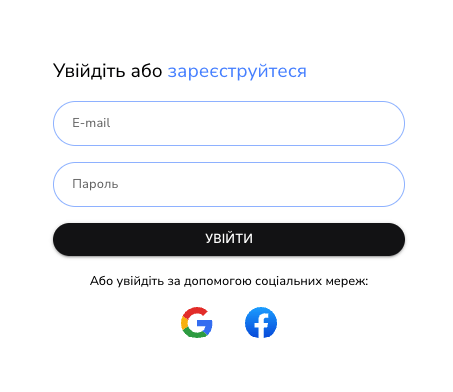
Create an account with your email or sign in with Google or Facebook.
Step 2: Add an account
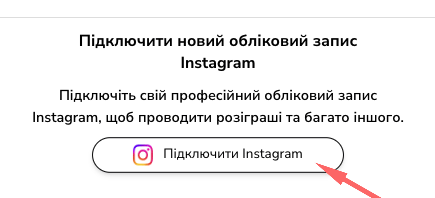
Log in to your Instagram account through a browser to connect it to our service.
Step 3: Select a publication
Go to the list of publications and select the one for which you want to hold a drawing.

Step 4: Uploading comments
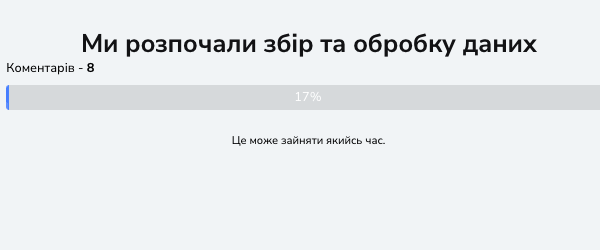
Set the number of winners and click Select Winner to download all the comments on the selected post.
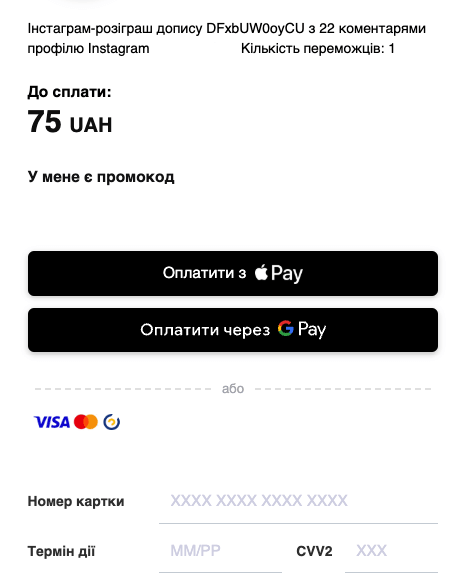
Step 5: Payment
The service will automatically calculate the cost of the service based on the number of comments in your post, and you can pay in a way convenient for you.
Step 6: Selecting the winner
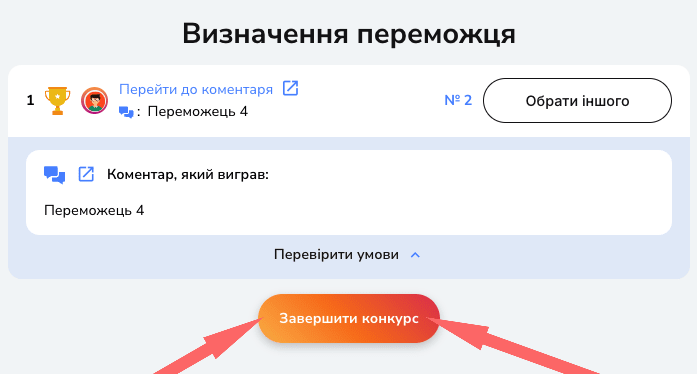
The service will automatically select the winners. If necessary, you can repeat the selection and choose another winner as many times as you like. Below is an example:
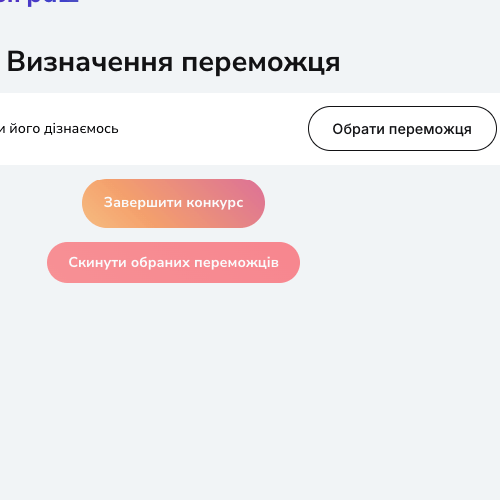
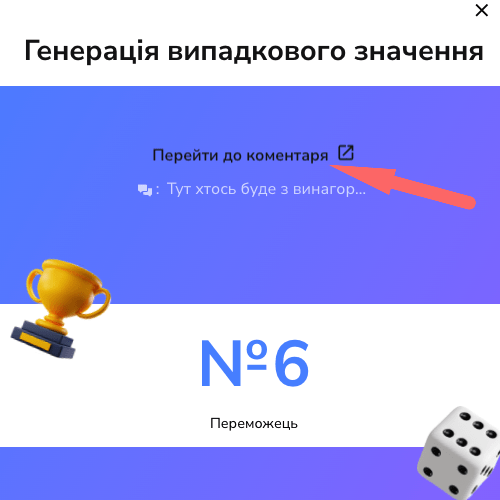 You can choose another winner as many times as you like until you click “End Contest”.
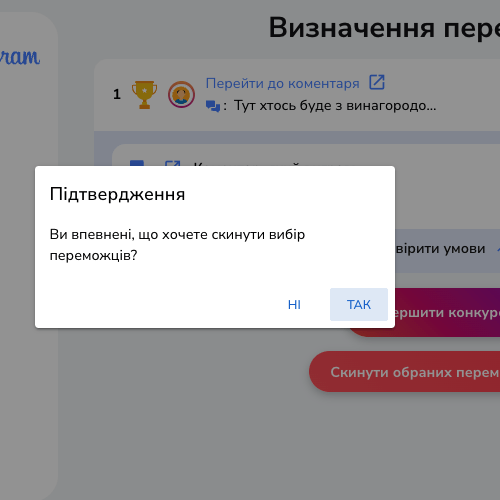
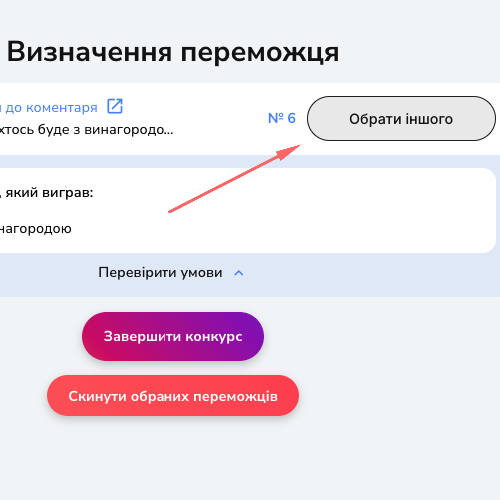 If you want to clear the screen and start over, click the Reset Selected Winners button.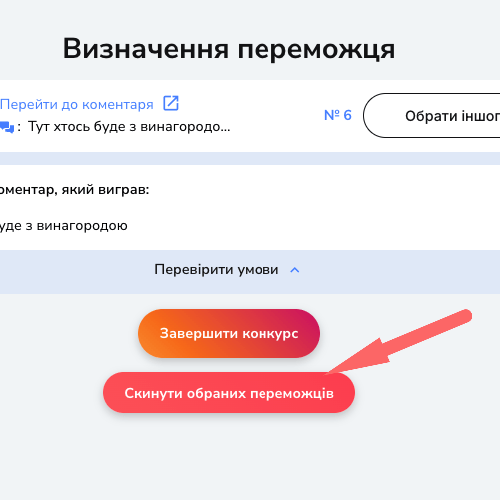
Step 7: End the draw
After the draw is over, you can save and download the results in CSV or Excel formats.